It was a Tuesday afternoon when Marcus realized something was wrong. Not catastrophically wrong — just the slow, expensive kind of wrong that’s easy to ignore. His office manager, Dana, had spent most of her morning re-entering last week’s expenses from a spreadsheet into QuickBooks. The same numbers, in a different place. Again.
“I could’ve sworn I already did this,” she told him. She had. Just somewhere else.
If that sounds familiar, you’re not alone. Manual data entry is one of those things that feels manageable in the moment but adds up to something significant over time. And for consulting firms — where every hour either generates revenue or doesn’t — the cost of manual bookkeeping errors and duplicated effort is real money walking out the door.
Here are seven manual data entry tasks quietly draining your team’s time, along with what automated data entry would look like as a replacement for each.
Why Manual Data Entry Is a Bigger Problem Than You Think
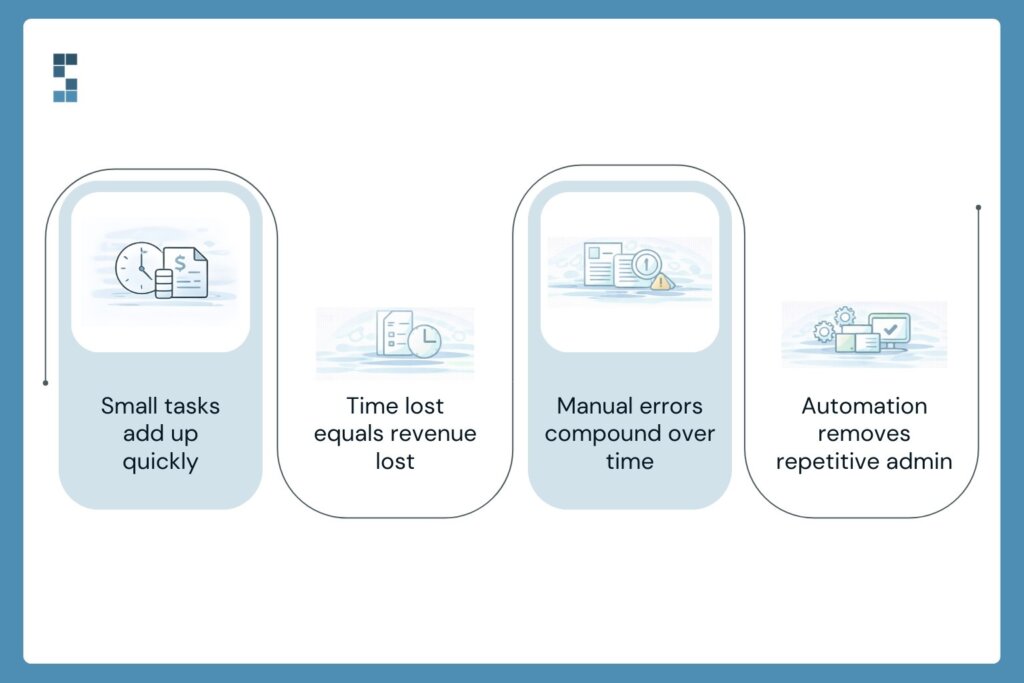
Most owners know they do some manual financial work. What they don’t know is how much. That “quick” Tuesday morning catch-up? It’s probably not 20 minutes. Track your team’s financial admin tasks for two weeks — every receipt entered, every invoice created, every bank statement cross-referenced — and most consulting firm owners discover they’re spending 15 to 20 hours a month on tasks that shouldn’t require a human at all.
At a typical consulting billing rate, that’s between $3,000 and $6,000 in lost productive capacity every single month. That’s before you factor in the cost of fixing manual bookkeeping errors, which have a frustrating way of multiplying through interconnected systems. One wrong categorization in October can still be causing headaches in March.
The fix isn’t a complete operational overhaul. It’s identifying the specific tasks where automation does a better job than a spreadsheet and a pair of tired eyes.
The 7 Tasks Worth Eliminating
1. Re-entering bank transactions
This is the granddaddy of all manual data entry tasks. Someone logs into the bank portal, downloads a statement, or scrolls through transactions, and types them into the accounting software one by one. It’s mind-numbing, time-consuming, and completely unnecessary. Bank feed integrations automatically pull transactions directly into QuickBooks or Xero. The human job shifts from data entry to review — a five-minute scan instead of an hour of typing.
2. Logging expenses from receipts
The old workflow: photograph the receipt, email it to yourself, open the accounting software, and manually enter the vendor, amount, date, and category. Modern OCR-based tools do all of this automatically from a photo. They extract the data, suggest a category, and flag anything that looks unusual. One System Six client cut their expense processing time from 4 hours a month to about 15 minutes of review.
3. Creating and sending invoices
For consulting firms, invoicing often means pulling hours from a time-tracking tool, building an invoice from scratch (or a template), double-checking the math, and sending it off. Every month. For every client. Template automation systems tied directly to your time-tracking software generate invoices automatically based on logged hours or project milestones. They send on schedule, track opens, and flag when payments haven’t been made.
4. Tracking invoice payment status
There’s a particular kind of Friday afternoon energy that goes into manually checking which clients have paid and which haven’t, then drafting polite but firm follow-up emails. Automated accounts receivable tools handle this entirely — monitoring payment status, sending reminders at intervals you set, and escalating when an invoice crosses a threshold. Your team stops chasing and starts reviewing.
5. Entering contractor hours for payroll and 1099s
If you use contractors (and most consulting firms do), someone is probably copying hours from a project management tool into a payroll system by hand—every pay cycle. Direct integrations between tools like Harvest or Toggl and payroll platforms eliminate this step. Hours sync automatically, reducing both the time burden and the risk of a payment error that makes for an uncomfortable conversation.
6. Updating cash flow spreadsheets
The classic consulting firm spreadsheet: a rolling cash flow projection that someone refreshes every week by pulling numbers from three different places and pasting them in. It’s valuable information locked inside a labor-intensive process. Live-connected financial dashboards pull the same data automatically and update in real time. You get the visibility without the Sunday night maintenance session.
7. Month-end reconciliation catch-up
When manual data entry has been the process all month, month-end reconciliation becomes an archaeological dig. You’re not just reconciling accounts — you’re hunting for the source of every discrepancy that accumulated during 30 days of human data entry. Automated transaction matching, combined with continuous reconciliation through the month, means there’s no backlog to excavate. Errors get caught the day they happen, not three weeks later.
What This Actually Costs You
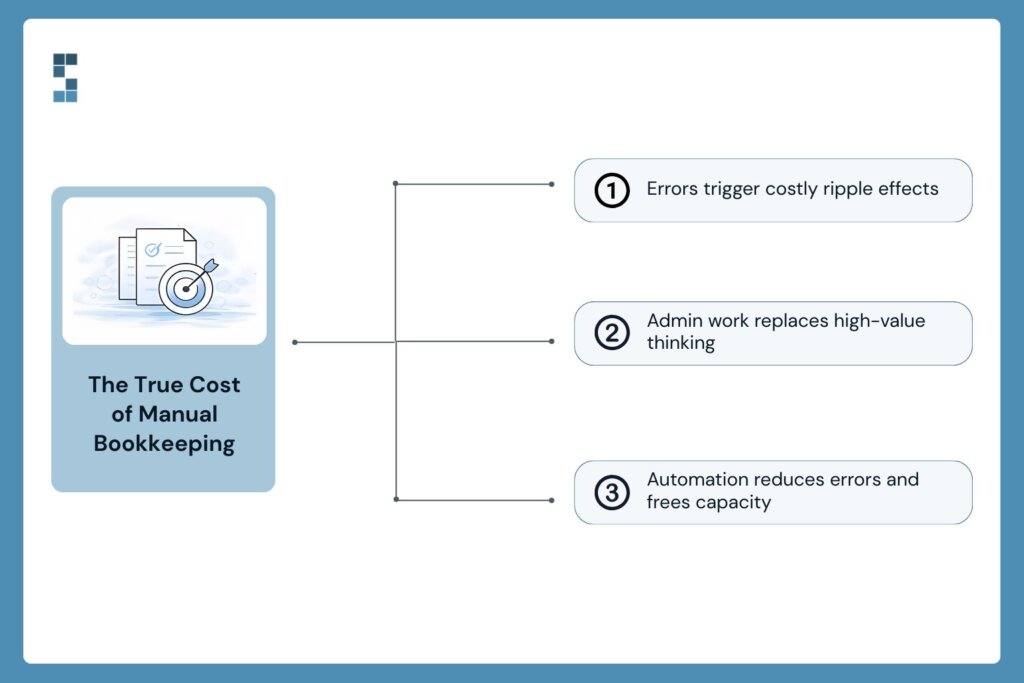
Let’s talk about the real price tag. It’s not just the hours spent doing these tasks — it’s the hours spent fixing what goes wrong because of them. Manual bookkeeping errors have a genuinely frustrating compounding quality. A miskeyed amount in a client invoice creates a billing discrepancy. That discrepancy requires an awkward conversation. That conversation takes time and erodes trust. All of it traces back to someone entering a number by hand when they didn’t need to.
There’s also the opportunity cost. When Dana spends her Tuesday morning on data re-entry, she’s not doing the work that actually requires her judgment — the analysis, the follow-up, the things Marcus hired her to do.
“I have told people that hiring them was the best decision I made at the start of the business. They have crushed it. We just finished our 2022 audit, and the auditors found exactly 0 errors by S6. Not only have they been mistake-free, but S6 has also been proactive at catching mistakes I’ve made and asking me the right questions to keep the books updated. — Paul”
Zero errors in an audit. That’s what happens when automated systems replace manual entry and a professional team reviews rather than re-enters.
What would your team do with 10 extra hours a month?
The Shift From Re-entering to Reviewing
Marcus made some changes. Dana still works with the financials every week — but now she’s reviewing what the system already captured, not rebuilding it from scratch. She catches the occasional miscategorized transaction. She flags an invoice that went out to the wrong contact. She actually has time to pull a project profitability report and bring it to Marcus before the client debrief.
Automated data entry isn’t about fancy software or a technology overhaul. It’s about connecting the systems you probably already use — your bank, your time tracker, your project management tool — so data flows automatically instead of being carried by hand from one place to another.
System Six helps consulting firms set up workflows exactly like these. Fixed weekly pricing, no long-term contracts, and a team that already knows consulting firm finances inside and out. If you’re curious how many hours your firm is losing to manual entry, let’s find out together.
About System Six
System Six is a Seattle-based bookkeeping and financial services firm that helps small and mid-sized businesses streamline their financial operations. We specialize in providing technology-driven financial management solutions for consulting firms, enabling owners to focus on growing their businesses without worrying about cash flow, payroll, or compliance. Our team of over 40 professionals brings an average of 10+ years of accounting experience to every client relationship, serving more than 175 businesses across the U.S. With a 9.5/10 NPS score, we deliver the financial clarity and peace of mind that consulting firm owners need to thrive. Learn more at www.systemsix.com.