It’s Sunday night. Again.
The laptop casts a pale glow across your kitchen table. Your QuickBooks tab is open next to a cold cup of coffee and a stack of receipts you’ve been meaning to deal with since Wednesday. Meanwhile, your family is somewhere in the next room without you. You’re categorizing expenses. Manually. One. By. One.
If that scene is a little too familiar, here’s a question worth sitting with: what if you could automate that entire pile of work — the invoicing, the expense capture, the follow-up emails, the payment alerts — without writing a single line of code?
That’s not a hypothetical. It’s what Zapier does. And consulting firm owners are quietly using it right now to reclaim hours every week that used to disappear into financial admin.
This post breaks down five Zapier accounting workflows worth setting up this week — and why getting them right is the difference between working smarter and just adding complexity to your plate.
What Zapier Actually Does (And Why You Don’t Need IT to Use It)
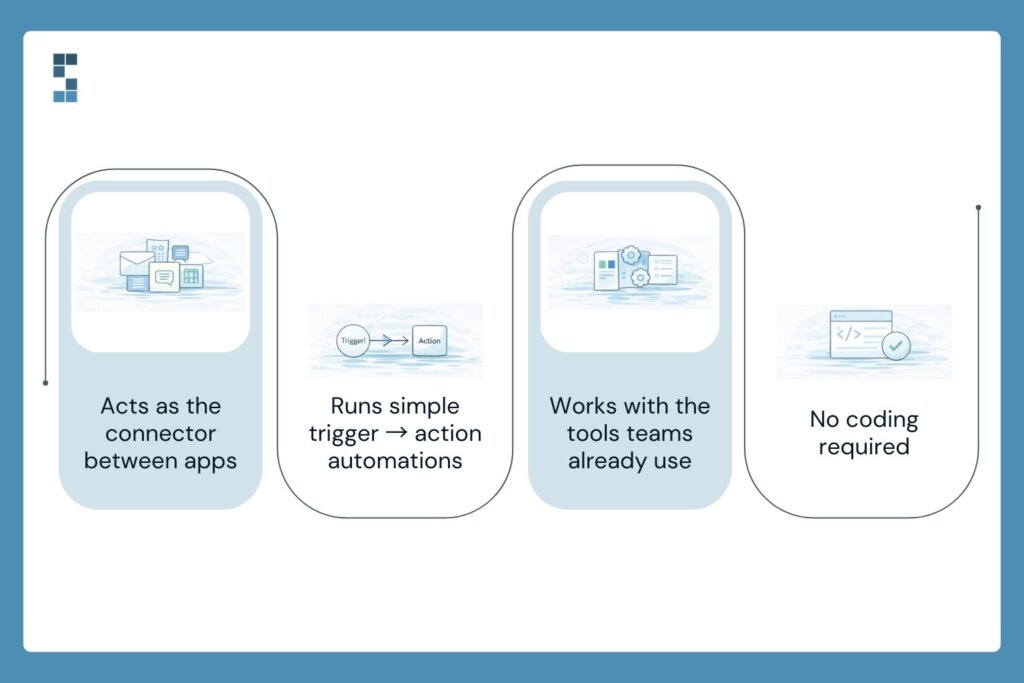
Think of Zapier as a relay runner between your apps. One app finishes its leg — say, a new client signs a proposal in your CRM — and Zapier immediately hands the baton to the next one, triggering an invoice in QuickBooks before you’ve even looked up from your desk.
Each automation is called a “Zap,” and every Zap works the same way: a trigger happens in one app, which kicks off an action in another. No code. No developer. No IT ticket filed and forgotten.
The apps Zapier connects include pretty much everything a consulting firm already runs on — QuickBooks, Xero, Stripe, HubSpot, Gmail, Slack, Google Sheets, Asana, ClickUp. If your team uses it, there’s a good chance Zapier can connect it.
The setup is point-and-click. You pick a trigger. You pick an action. You test it. You turn it on. That’s it. Most Zaps take less than 15 minutes to build the first time, and once they’re running, they run quietly in the background — no check-ins required.
5 Zapier Accounting Workflows Worth Setting Up This Week
Let’s get specific. Here are the five workflows that deliver the most immediate time savings for consulting firms — what each one does, why it matters, and how it works at a high level.
1. Auto-Create Invoices When a Project Is Signed
Trigger: New deal marked “Closed Won” in HubSpot (or your CRM of choice). Action: Invoice automatically generated in QuickBooks with the client name, project details, and amount pre-filled.
Why it matters: Most consulting firms create invoices manually after every engagement kicks off. That’s a 10–15 minute task that happens dozens of times a year. This Zap makes it instant. The invoice exists before you’ve finished the kick-off call.
2. Capture and Log Expense Receipts Automatically
Trigger: Receipt arrives in Gmail (forwarded from a team member or vendor). Action: Expense automatically created and categorized in QuickBooks.
Why it matters: Lost receipts and delayed expense entry are two of the most common bookkeeping headaches for growing firms. This Zap catches them the moment they hit your inbox — no spreadsheet, no shoebox, no Monday morning archaeology required.
3. Get Instant Payment Alerts When Clients Pay
Trigger: Payment received in Stripe or PayPal. Action: Slack notification sent to you (and/or your bookkeeper) with the client name and amount.
Why it matters: Cash flow visibility matters, especially when you’re managing multiple client engagements simultaneously. Instead of logging into your payment processor to check on a deposit, you just look at Slack. Done.
4. Send Automated Follow-Ups on Overdue Invoices
Trigger: Invoice status in QuickBooks passes X days without payment. Action: Personalized follow-up email sent automatically from your Gmail.
Why it matters: Chasing late payments is awkward, time-consuming, and easy to let slide. This Zap does it for you — politely, consistently, and on schedule. Your cash flow improves. Your discomfort goes down. Everybody wins.
5. Trigger Your Monthly Close Checklist Automatically
Trigger: A recurring calendar event fires on the first of every month. Action: A monthly close checklist task is automatically created in Asana, ClickUp, or your project management tool of choice.
Why it matters: Month-end close tasks get missed because they live in someone’s memory or a sticky note. This Zap turns your close process into a reliable, repeatable system that kicks off without anyone having to remember.
The Real Math: What This Time Is Actually Worth
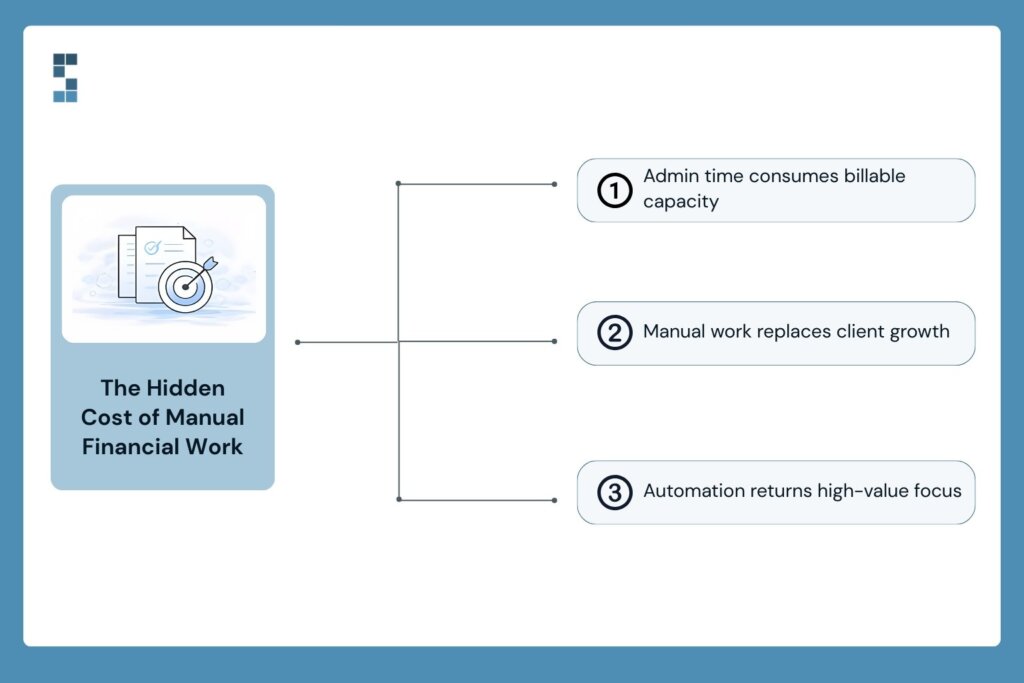
Here’s the number most consulting firm owners don’t want to look at directly: the typical owner spends 15–20 hours a month on financial administration. At a conservative billing rate of $250 an hour, that’s $3,750 to $5,000 worth of capacity consumed by manual tasks every single month.
Every month. That’s not a rounding error. That’s a client.
The consulting firm owners who’ve made the shift to automation see this clearly in hindsight. Mark, a management consultant who worked with System Six to overhaul his firm’s financial processes, put it simply: “We’ve grown 40% this year because I can focus on clients instead of paperwork.” Three new client relationships. Because the time was finally there to build them.
That’s not a coincidence. That’s what recaptured time does when it gets pointed at the right work.
No-code automation finance tools like Zapier don’t just save minutes — they free up the kind of focused attention that actually moves a business forward. The kind you can’t access when you’re knee-deep in expense categorization on a Sunday night.
The Catch — And How to Avoid It
Here’s the part nobody’s going to put in a Zapier tutorial.
Automation amplifies whatever’s already there. If your underlying data is messy — duplicate vendors, inconsistent expense categories, a chart of accounts that grew organically and now looks like a bowl of spaghetti — Zapier will move that mess faster and into more places. You’ll have automated chaos instead of manual chaos. Different problem, same headache.
The other common mistake is setting up Zaps without error notifications. A Zap fails silently. Data doesn’t transfer. Nobody knows. Three weeks later, your books are off and you’re not sure when it started.
This is where financial expertise matters just as much as the tech. The Zapier accounting workflows themselves are simple. Getting the foundation right — clean data, well-structured accounts, proper triggers — that’s where the real work is. And it’s work worth doing with someone who knows what they’re looking at.
Manish G., a Seattle-based business owner, described his experience with System Six this way: “They take on the entire setup, and effectively act as consultants until your accounting operations are running like a well-oiled machine. Then, they handle all ongoing issues.” That’s the goal — not just automating your current process, but making sure what you’re automating is worth running at speed.
What Would You Do With 10 Extra Hours?
Go back to that Sunday night for a second. Same kitchen table, same cold coffee, same receipts.
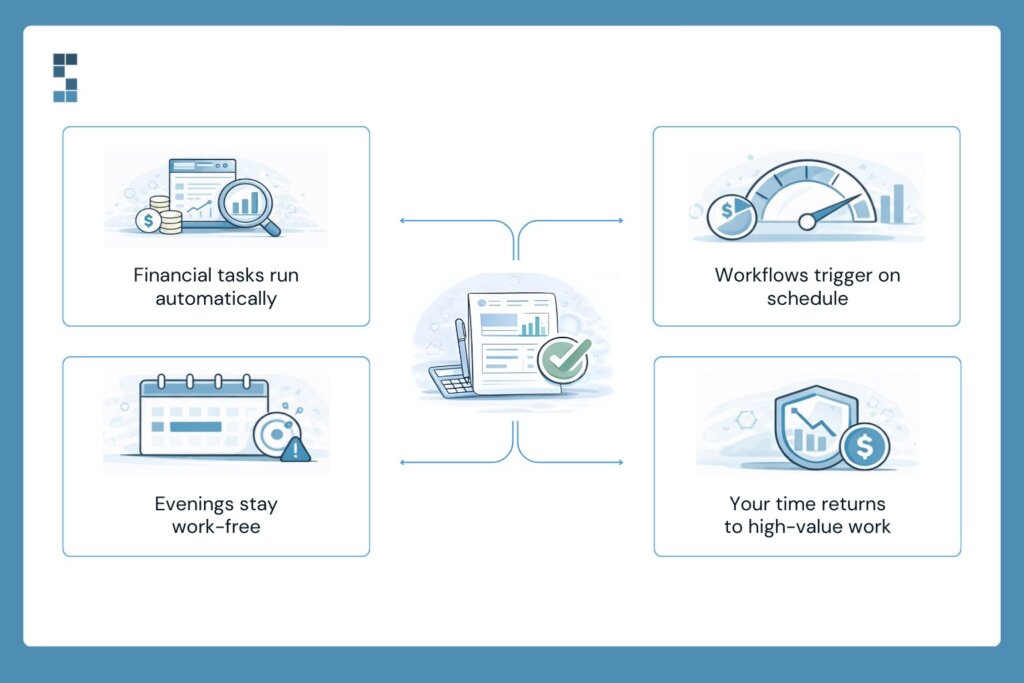
Now imagine it differently. The invoices are already generated. The expenses are already logged. The overdue payment reminder went out Thursday without you touching it. And your monthly close checklist appeared in Asana this morning, on its own, right on schedule.
You’re in the other room. With your family. Not because you finished early. Because there was nothing left to finish.
That’s what good Zapier accounting workflows actually look like in practice — not a flashy tech demo, but a quieter Sunday night and a Monday morning spent on the work that actually requires you.
The tools to build this exist today. Most are free to try. The question isn’t whether you should automate — it’s whether you can afford to keep doing it the manual way.
If you’re ready to get your financial workflows built right from the start, System Six helps consulting firms design and implement automation strategies that actually stick — clean data, correct integrations, and ongoing support from a team that knows consulting firm finances inside and out. With 35+ team members, 175+ clients, and a 9.5/10 NPS score, we’ve done this before.
Reach out to start the conversation. Your Sunday nights are worth it.
About System Six
System Six is a Seattle-based bookkeeping and financial services firm that helps small and mid-sized businesses streamline their financial operations. We specialize in providing technology-driven financial management solutions for consulting firms, enabling owners to focus on growing their businesses without worrying about cash flow, payroll, or compliance. Our team of over 40 professionals brings an average of 10+ years of accounting experience to every client relationship, serving more than 175 businesses across the U.S. With a 9.5/10 NPS score, we deliver the financial clarity and peace of mind that consulting firm owners need to thrive. Learn more at www.systemsix.com.